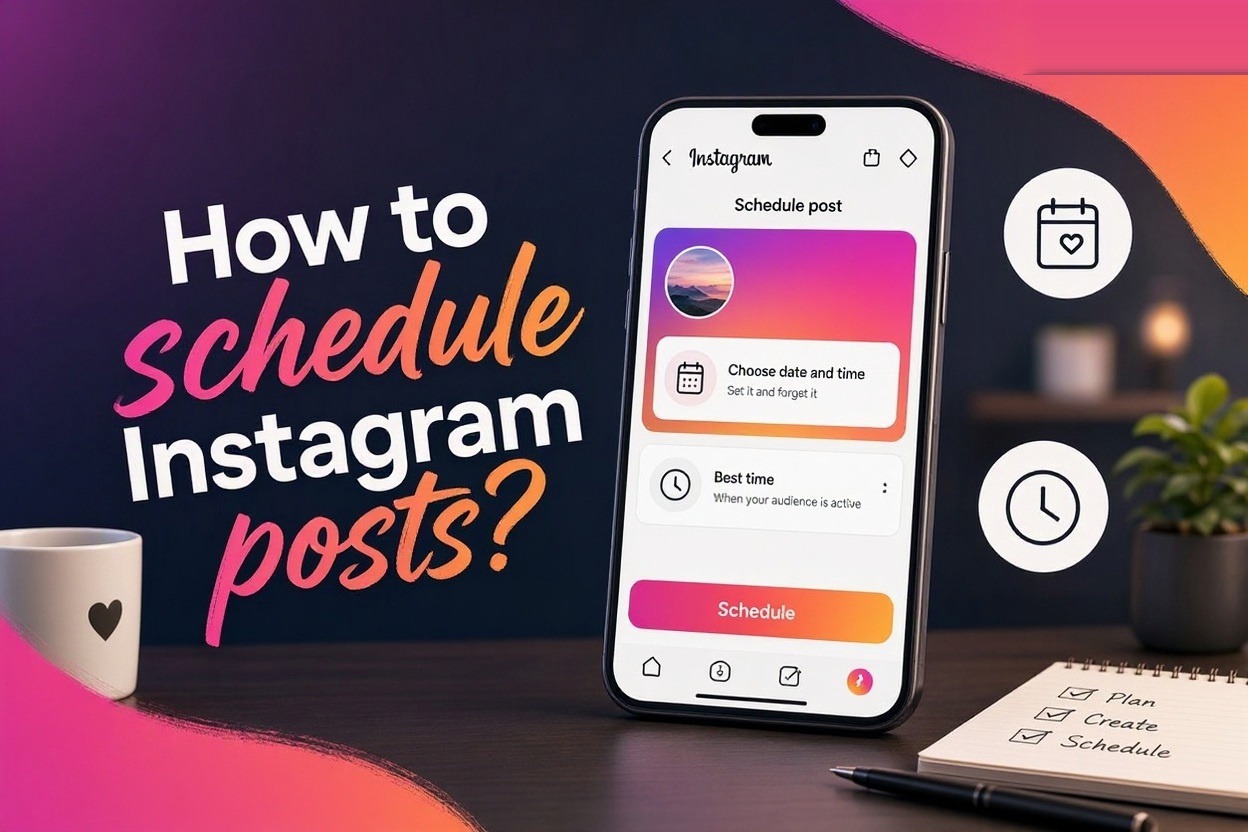
Learning how to schedule Instagram posts can completely change the way you manage your content and grow your account without feeling stressed or rushed every day. Instead of posting in real time, you can plan your photos, Reels, carousels, and Stories in advance and let them publish automatically at the best possible moment for your audience.
For busy creators, small business owners, and social media managers, scheduling saves hours each week while keeping your feed consistent and professional. It helps you stay visible even on days when you are busy, traveling, or simply need a break from your phone, which is essential for long term growth on Instagram.
In this complete guide, you will learn exactly how to schedule Instagram posts step by step, which tools to use, the best times to post, common mistakes to avoid, and expert tips to get more reach and engagement. Whether you are new to Instagram or managing multiple accounts, this practical walkthrough will help you build a reliable system.
We will cover the benefits of scheduling, the native Meta tools, trusted third party options, content planning strategies, and answers to the most common questions. By the end, you will know how to create a simple workflow that keeps your Instagram active, engaging, and aligned with your goals.
Scheduling Instagram posts means creating your content ahead of time and setting a specific date and time for it to go live automatically. You write the caption, add hashtags, tag people, choose the location, and upload the image or video, then the system publishes it for you without manual action.
This process is possible because Instagram now allows official scheduling through its own tools and approved partners. That means your scheduled photos, videos, Reels, and carousels can publish directly, which helps maintain quality and consistency across your entire content calendar.
Many people assume scheduling is only for big brands or agencies, but it is actually most helpful for solo creators and small businesses. It removes the pressure of daily posting and lets you focus on creativity, engagement, and customer interaction instead of scrambling for ideas at the last minute.
A good scheduling routine also improves your strategy because you can see your upcoming posts together. You can balance promotional posts with educational, entertaining, and personal content, keep your visual style cohesive, and make sure you are posting at times when followers are most active.
Once you understand the basics, scheduling becomes a simple habit that supports steady growth. You batch your content creation, plan a week or month at once, review everything before it publishes, and then spend your daily time replying to comments and building real relationships.
Why Should You Schedule Instagram Posts?
1. Save Time With Batch Content Creation
Batching your work is one of the biggest reasons to learn how to schedule Instagram posts effectively. Instead of creating one post every day, you can shoot photos, edit Reels, and write captions in one focused session. This approach reduces distractions, improves creativity, and frees up several hours each week for engagement, outreach, and business tasks.
2. Stay Consistent Without Daily Stress
Consistency is critical for Instagram growth, but posting manually every day is exhausting and easy to forget. When you schedule Instagram posts in advance, your account stays active even during busy weeks, holidays, or sick days. Followers see a steady flow of content, which builds trust, keeps your profile fresh, and signals to the algorithm that you are reliable.
3. Post At The Best Time For Engagement
Your audience is not online all day, and timing has a major impact on reach, likes, and comments. Scheduling lets you publish exactly when your followers are most active, even if that time is early morning or late at night for you. You can check your insights, choose peak hours, and set your posts to go live automatically for maximum visibility and interaction.
4. Plan A Cohesive Feed And Story
A well planned feed looks more professional and attracts new followers faster than random posting. When you schedule Instagram posts together, you can preview how colors, topics, and formats flow from one post to the next. This helps you alternate between Reels, carousels, quotes, tutorials, and promotions so your profile feels balanced, intentional, and visually appealing.
5. Reduce Mistakes And Improve Quality
Rushing to post in real time often leads to typos, missing hashtags, poor cropping, or weak captions. Scheduling gives you time to review everything calmly, proofread your text, check tags, and preview how the post will look. You can ask a teammate to review drafts, fix errors, and ensure every post matches your brand voice before it is published.
6. Manage Multiple Accounts More Easily
If you handle Instagram for clients, different locations, or multiple brands, scheduling is essential for staying organized. You can plan separate calendars, avoid overlapping promotions, and switch between accounts without confusion. A centralized dashboard lets you see all scheduled posts, track what is coming next, and make quick adjustments without logging in and out constantly.
7. Support Campaigns Product Launches And Events
Product launches, sales, holidays, and events require precise timing and coordinated messaging across posts, Stories, and Reels. Learning how to schedule Instagram posts helps you map out teasers, announcements, reminders, and follow ups in the correct order. Everything publishes on time, your campaign feels polished, and you can focus on responding to customers while the content runs automatically.
Best Times To Post For More Engagement
1. Check your Instagram Insights under audience activity to see when your specific followers are online by hour and day, then schedule your most important Reels and carousels during those peak windows.
2. For most general audiences, late mornings between 9 AM and 11 AM and evenings between 7 PM and 9 PM on weekdays tend to drive strong engagement because people check their phones before work and after dinner.
3. Test Tuesday, Wednesday, and Thursday first, since midweek days often perform well for businesses and creators, then compare reach and saves to find your personal best days over four to six weeks.
4. Avoid posting very late at night or very early in the morning unless your insights show an active global audience, because low initial engagement in the first hour can limit overall reach.
5. Schedule different content types at different times to learn what works, such as educational carousels in the morning, entertaining Reels in the evening, and Stories spread throughout the day for steady visibility.
Tools To Schedule Instagram Posts Easily
- Meta Business Suite: Meta Business Suite is the free official tool for scheduling Instagram and Facebook posts, Reels, and Stories from desktop or mobile with automatic publishing for business and creator accounts.
- Instagram App Scheduler: The Instagram app itself lets professional accounts schedule feed posts, Reels, and carousels up to 75 days ahead directly from the advanced settings before sharing.
- Later: Later offers a visual drag and drop calendar, media library, hashtag suggestions, and best time recommendations that are ideal for planning a beautiful and consistent Instagram feed.
- Buffer: Buffer provides simple scheduling, first comment planning, analytics, and team collaboration features that work well for small businesses managing Instagram alongside other social platforms.
- Hootsuite: Hootsuite supports bulk scheduling, content streams, inbox management, and detailed reports, making it a strong choice for agencies and teams handling multiple Instagram accounts.
- Sprout Social: Sprout Social combines scheduling with advanced analytics, social listening, and approval workflows to help larger brands maintain quality and measure Instagram performance accurately.
- Canva Planner: Canva lets you design posts and immediately schedule them to Instagram from the same workspace, which saves time for creators who want design and publishing in one simple workflow.
Common Mistakes When Scheduling Posts
1. Scheduling Without Checking Post Previews
One common error is scheduling posts without previewing how they will look on your profile grid or mobile feed. Images can get cropped unexpectedly, text on graphics can be cut off, and carousel covers may look misaligned. Always preview your scheduled posts in the scheduler, check safe zones for Reels, and view the grid layout to ensure everything looks clean and professional before publishing.
2. Ignoring Time Zones And Audience Insights
Many people schedule Instagram posts based on their own local time without considering where their followers actually live. If your audience is in another country, your morning post might publish in the middle of their night. Always confirm your account time zone in your scheduling tool, review audience locations in Insights, and adjust publish times to match peak activity for your target followers.
3. Over Automating And Forgetting Engagement
Scheduling is meant to save time, not replace human interaction on Instagram. Some accounts schedule a month of content and then disappear, ignoring comments and direct messages. This hurts trust and reduces reach because Instagram rewards active conversations. Plan at least fifteen to thirty minutes after each scheduled post goes live to reply, like comments, and engage with other accounts.
4. Using The Same Caption For Every Platform
Copying the exact same caption, hashtags, and formatting from other networks to Instagram often looks awkward and reduces performance. Instagram favors conversational captions, line breaks, emojis, and relevant hashtags, while other platforms have different styles. When you schedule Instagram posts, customize the caption length, call to action, and tags specifically for Instagram to keep content natural and engaging.
5. Scheduling Too Much Promotional Content
Filling your entire content calendar with sales posts, product pushes, and discount announcements can quickly bore followers and cause unfollows. A healthy Instagram strategy balances value and promotion with education, entertainment, behind the scenes stories, and user content. Aim for a mix where only twenty to thirty percent of scheduled posts are directly promotional and the rest provide helpful or inspiring value.
6. Forgetting To Update Scheduled Holiday Posts
Scheduling far in advance is helpful, but trends, news, and business details can change before the publish date. A scheduled holiday sale, event reminder, or giveaway might contain outdated prices, expired links in bio references, or insensitive timing. Review your queue weekly, update captions if needed, pause posts that no longer fit, and keep evergreen content ready as a flexible backup.
7. Posting Low Quality Visuals Too Often
Consistency should never come at the cost of quality on a visual platform like Instagram. Scheduling blurry photos, poorly lit videos, or cluttered graphics just to fill slots will harm your brand and lower engagement over time. It is better to schedule three excellent posts per week than seven mediocre ones. Invest in good lighting, clear editing, and strong hooks for every scheduled post.
Learning how to schedule Instagram posts gives you more control, more free time, and more consistent results from your content efforts. By planning ahead, choosing the right tools, and posting at optimal times, you can grow steadily without daily pressure.
Start simple by switching to a professional account, planning one week of content, and scheduling your first few posts through a trusted tool. Review your insights regularly and adjust your timing and formats based on real performance.
With a clear calendar, strong visuals, and genuine engagement after each post goes live, scheduling becomes a powerful habit that supports long term Instagram success. Stay consistent, keep testing, and let your scheduled system work for you every day.
FAQs About Scheduling Instagram Posts
Can I schedule Instagram posts for free?
Yes, you can schedule Instagram posts for free using the Instagram app scheduler for professional accounts and Meta Business Suite on desktop. Both tools allow automatic publishing for feed posts, Reels, and carousels without paying for third party software, which is perfect for beginners and small businesses.
How far in advance can I schedule Instagram posts?
Using the native Instagram scheduler, you can usually schedule posts up to 75 days in advance from the date of creation. Many approved third party tools allow even longer planning windows, such as several months, which is helpful for seasonal campaigns, product launches, and annual content calendars.
Do scheduled Instagram posts get less reach?
No, scheduled Instagram posts do not automatically get less reach when published through official tools or approved partners. Instagram has confirmed that how a post is published does not directly affect ranking. Reach depends much more on content quality, relevance, timing, captions, and early engagement from your audience.
What types of Instagram content can I schedule?
You can now schedule most Instagram content types, including single photos, videos, carousels, and Reels for automatic publishing. Stories can also be scheduled or prepared with reminders depending on the tool you use. Live videos, Notes, and some interactive stickers still generally require manual posting.
Do I need a business account to schedule Instagram posts?
In most cases, yes, you need a professional account, which includes business or creator profiles, to access scheduling features. Personal accounts have limited access to Meta Business Suite and third party publishing tools. Switching to a professional account is free and also unlocks Insights, contact buttons, and promotional options.
What is the best time to schedule Instagram posts?
The best time to schedule Instagram posts depends on your specific audience, but many accounts see strong results on weekdays between 9 AM and 11 AM and in the evening between 7 PM and 9 PM. Always check your Instagram Insights for follower activity, test different times for several weeks, and schedule your best content during proven peak hours.